Updated July 6, 2026
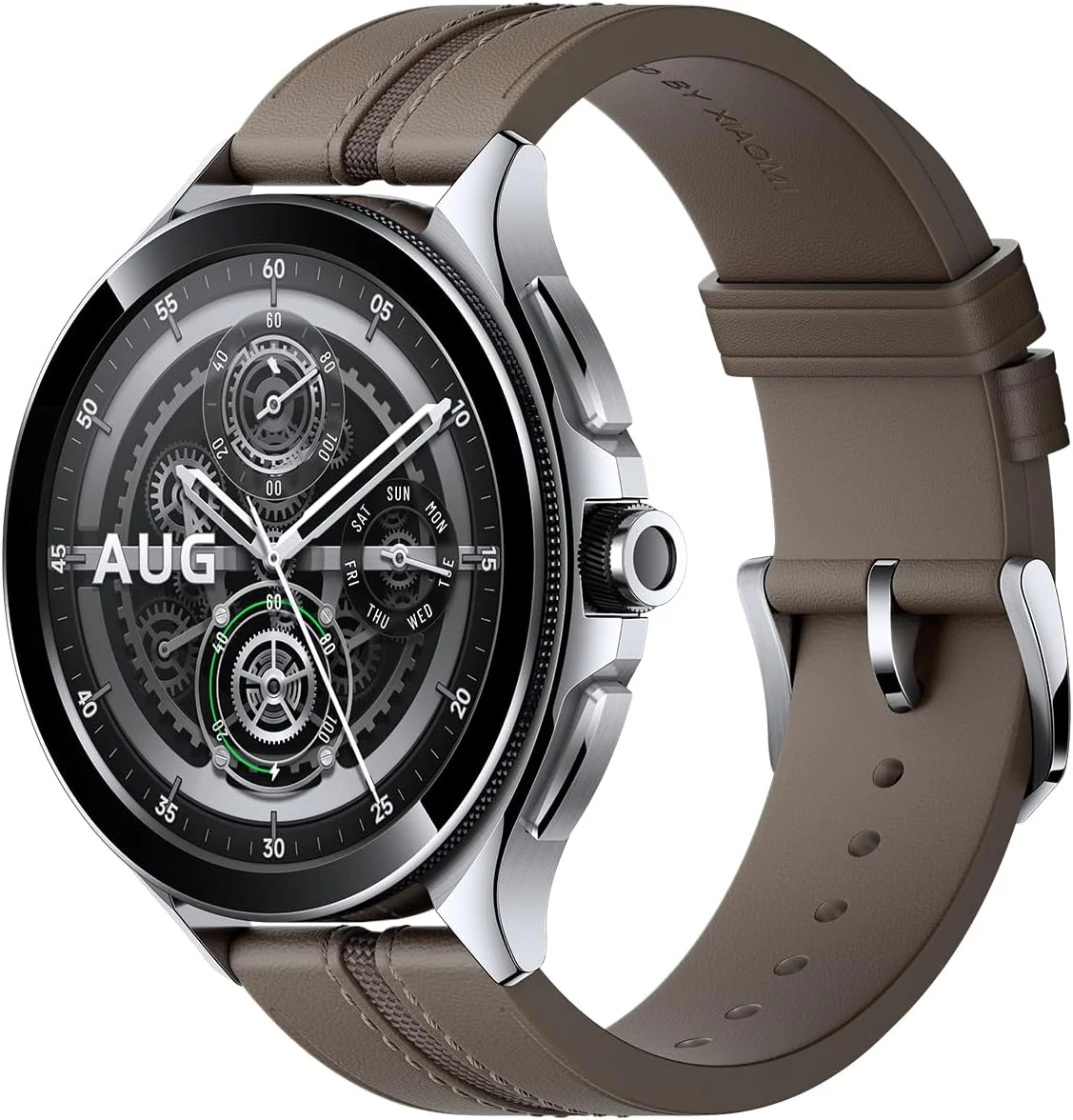
How to Connect Xiaomi Watch 2 Pro to Your iPhone.
Yes — the Xiaomi Watch 2 Pro works with iPhone. Pair it with the Lynio app and you get calls, notifications, contacts and health sync in about 3 minutes.
The Xiaomi Watch 2 Pro steps up with a premium stainless steel or titanium case, built-in eSIM for standalone calling, and a crisp 1.43" AMOLED display. Snapdragon W5+ Gen 1 and extended battery make it Xiaomi's most capable smartwatch.
LYNIO
Wear OS ✓
Google's watch platform

Bluetooth ✓
Wireless pairing

Google Play Store ✓
Install Lynio Watch
Connect in 3 Steps
Install Lynio Watch on your Xiaomi Watch 2 Pro
Open the Google Play Store on your Xiaomi Watch 2 Pro, search "Lynio Watch" and tap Install. Your watch's Bluetooth will handle the rest.
Follow the in-app pairing guide
Open Lynio on your iPhone. It walks you through pairing step by step — takes about 2 minutes.
What You Get After Pairing
Calls on your wrist
iPhone notifications
Caller ID & contacts
Health → Apple Health
Music control
Auto reconnect