Updated July 6, 2026
How to Connect Montblanc Summit to Your iPhone.
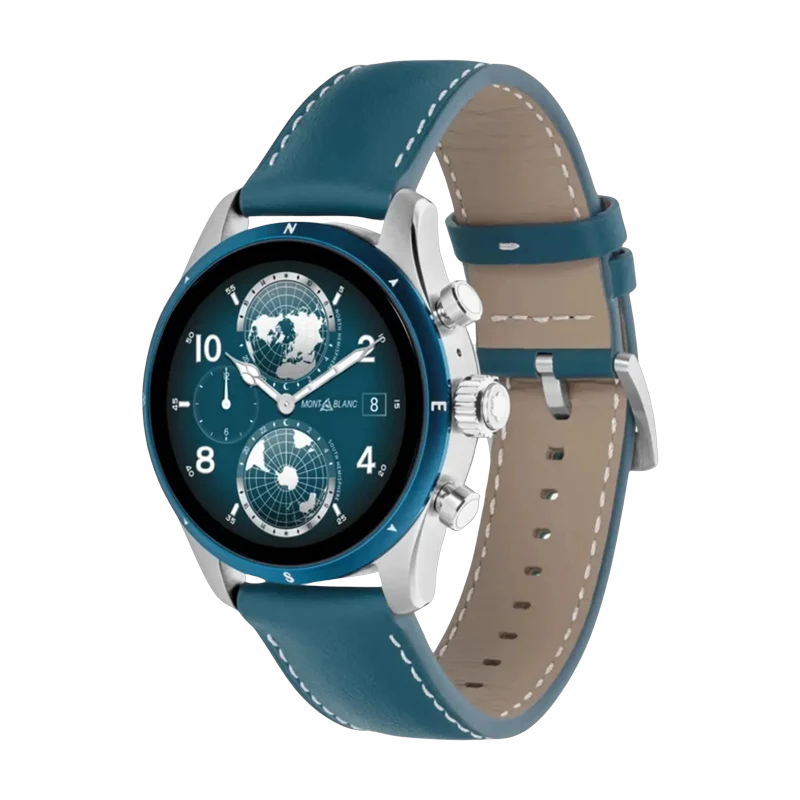
Yes — the Montblanc Summit works with iPhone. Pair it with the Lynio app and you get calls, notifications, contacts and health sync in about 3 minutes.
The Montblanc Summit blends the Maison's legendary craftsmanship with Wear OS — premium materials, Montblanc-exclusive watch faces, a 1.28" AMOLED display, and Snapdragon Wear 4100+. For those who expect the same artisanal quality from their tech as from their pens.
LYNIO
Wear OS ✓
Google's watch platform

Bluetooth ✓
Wireless pairing
Google Play Store ✓
Install Lynio Watch
Connect in 3 Steps
Install Lynio Watch on your Montblanc Summit
Open the Google Play Store on your Montblanc Summit, search "Lynio Watch" and tap Install. Your watch's Bluetooth will handle the rest.
Follow the in-app pairing guide
Open Lynio on your iPhone. It walks you through pairing step by step — takes about 2 minutes.
What You Get After Pairing
Calls on your wrist
iPhone notifications
Caller ID & contacts
Health → Apple Health
Music control
Auto reconnect