Updated July 6, 2026
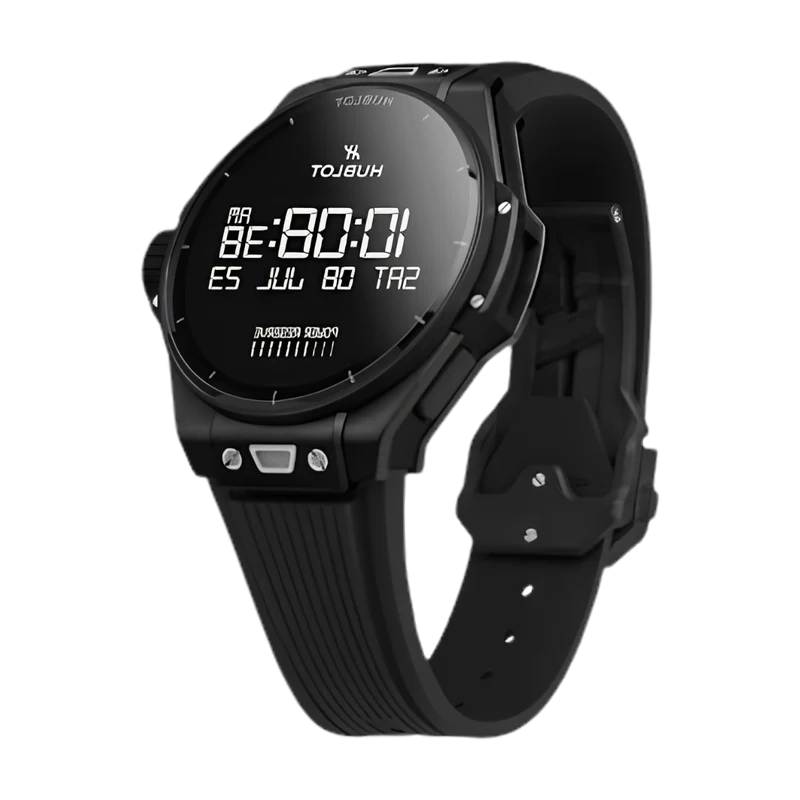
How to Connect Hublot Big Bang e Gen 3 to Your iPhone.
Yes — the Hublot Big Bang e Gen 3 works with iPhone. Pair it with the Lynio app and you get calls, notifications, contacts and health sync in about 3 minutes.
The Hublot Big Bang e Gen 3 is one of the rarest smartwatches in the world — Hublot's iconic fusion design in a 42mm or 44mm titanium case with sapphire crystal and Wear OS inside. An ultra-premium daily driver for collectors who refuse to compromise.
LYNIO
Wear OS ✓
Google's watch platform

Bluetooth ✓
Wireless pairing
Google Play Store ✓
Install Lynio Watch
Connect in 3 Steps
Install Lynio Watch on your Hublot Big Bang e Gen 3
Open the Google Play Store on your Hublot Big Bang e Gen 3, search "Lynio Watch" and tap Install. Your watch's Bluetooth will handle the rest.
Follow the in-app pairing guide
Open Lynio on your iPhone. It walks you through pairing step by step — takes about 2 minutes.
What You Get After Pairing
Calls on your wrist
iPhone notifications
Caller ID & contacts
Health → Apple Health
Music control
Auto reconnect